
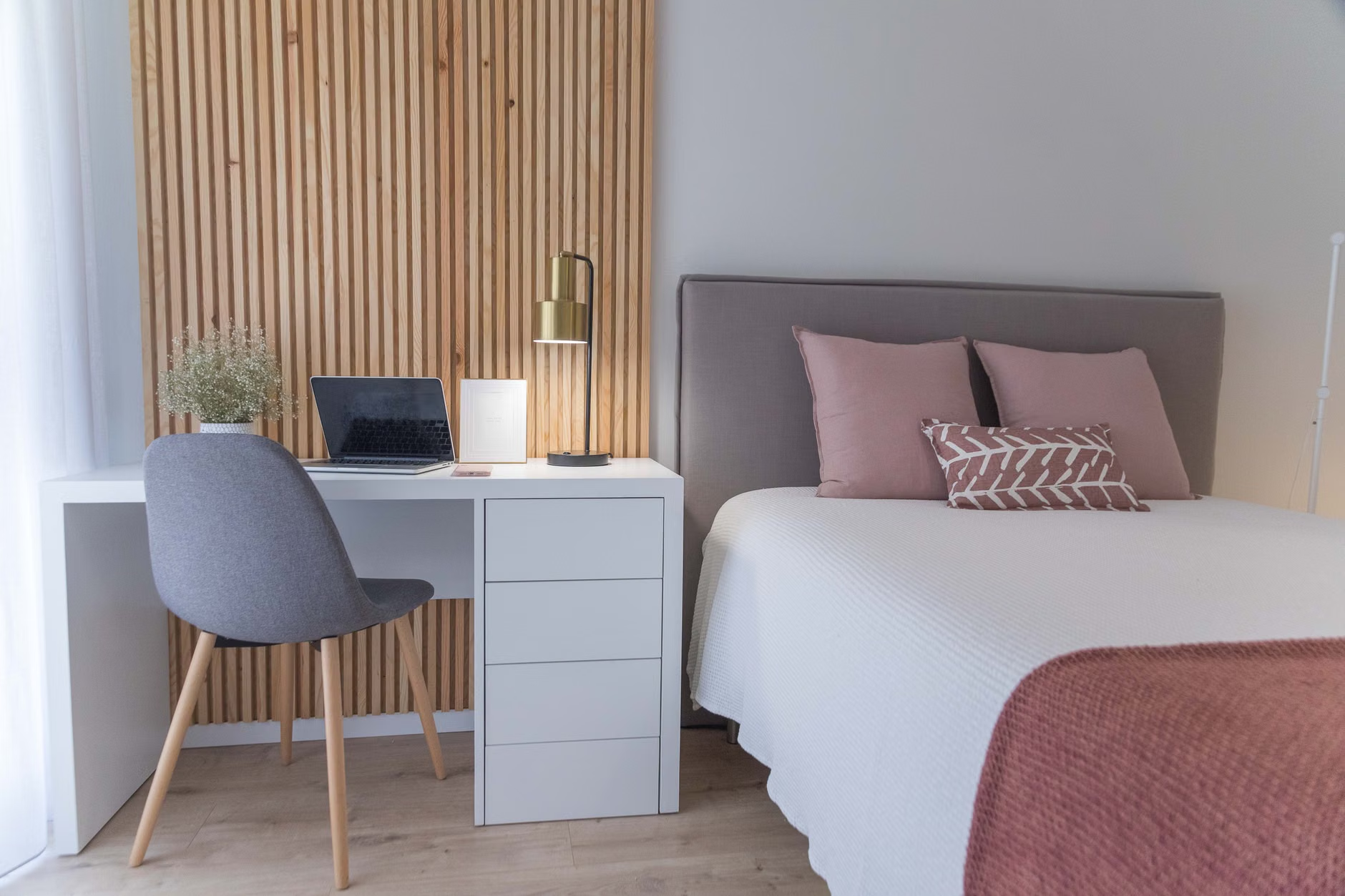
A distraction-free study environment does not need to be silent, minimalist, or expensive. It needs to make the right task easier than every competing task. At home, that usually means reducing three kinds of interruption: things you can see, things you can hear, and things you can reach without thinking. If the desk is cluttered, the phone is next to the notebook, and the chair hurts after 20 minutes, concentration will keep leaking away no matter how motivated you feel at the start.
The most useful way to think about the room is not, “How do I make this perfect?” but, “What keeps pulling me off task, and how do I make that harder?” That shift matters because most study problems at home are not caused by a total lack of discipline. They come from dozens of small frictions that make stopping easier than continuing.
A good study space removes choices before you start
Start with the least contested spot in the home, not the prettiest one. A corner of the dining table can work just as well as a dedicated desk if it is available consistently and can be cleared quickly. Repeating the same location lowers setup friction. It also helps to create a visible boundary, especially in a small space: a desk lamp that only turns on for study sessions, a tray with just the current materials, or a small bin that stores everything when the session ends.
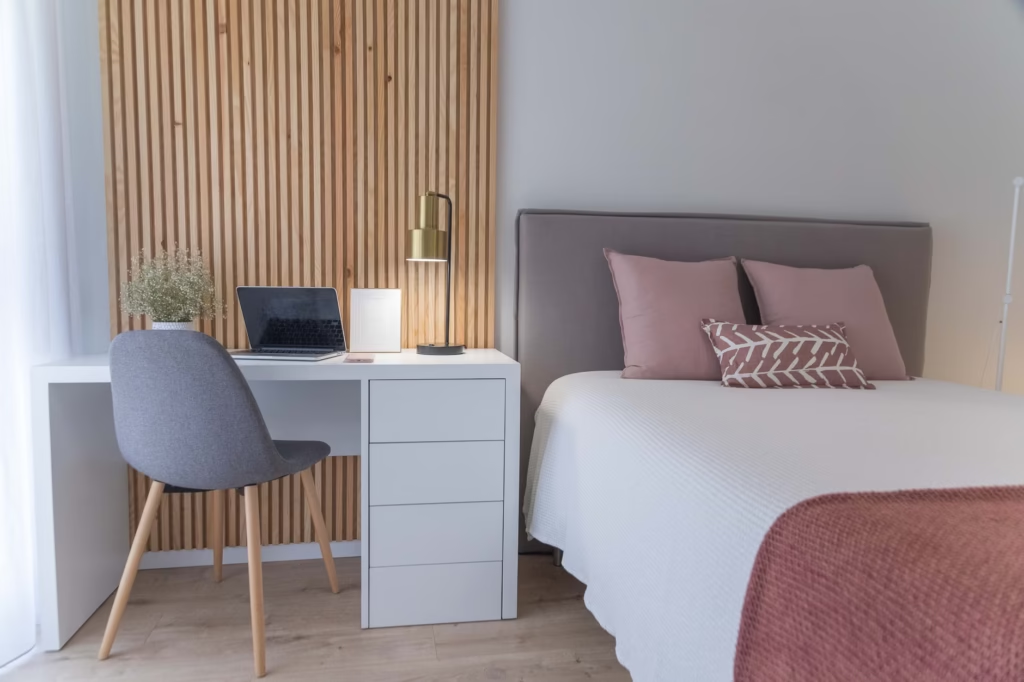
If the only option is a bedroom, avoid studying in bed. Use a chair, a small table, or even a folding surface against a wall so the posture and cue feel different from resting. The point is not formality. It is separation. When the same surface is used for scrolling, snacking, chatting, and studying, the brain has to keep deciding what mode it is in.
- Keep only the materials for the current subject within reach.
- Put water, pens, notes, and a charger where they are easy to grab without getting up.
- Turn the chair so you are not facing a TV, busy doorway, or household traffic path.
- Use one basket, drawer, or tote for quick cleanup so the space can reset fast.
- Leave obvious leisure items somewhere else during the session, even if they normally live on the desk.
Cut the distractions that actually break concentration
Visual clutter is not just an aesthetic issue. It is a menu. A second textbook, unopened mail, a game controller, or six unrelated browser tabs all create easy exit points when the work gets difficult. A better rule is simple: one session, one task field. If the current block is for chemistry problems, the desk should mostly look like chemistry problems. The same idea applies on a screen. Use full-screen mode if possible, close nonessential tabs, and keep messages off the laptop during the session.
Noise needs more nuance than “silence is best.” For reading, writing, and memorization, intelligible speech is usually the biggest problem because it competes for language processing. A meta-analysis on auditory distraction during reading found that background noise, speech, and music could all reduce reading performance, with intelligible speech among the more disruptive forms. In practical terms, a fan, plain white noise, or unobtrusive instrumental sound is often easier to ignore than a TV, a podcast, or nearby conversation. (pmc.ncbi.nlm.nih.gov)
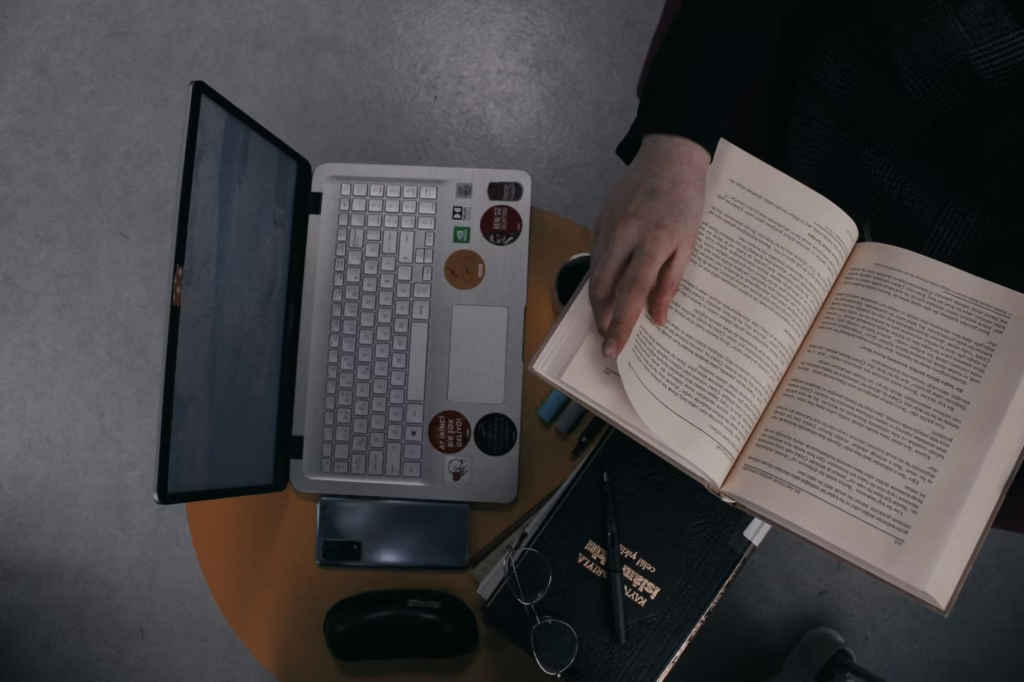
The phone deserves stricter treatment than other clutter because it creates interruption on demand. The most dependable fix is physical distance, not willpower. Put it in another room, or at least behind you and outside arm’s reach. If it has to stay nearby for a timer or an authentication app, switch on Focus or Do Not Disturb and leave only the one needed tool available. A systematic review and meta-analysis found an overall negative association between problematic smartphone use and academic achievement, which fits what many students already notice in practice: frequent switching carries a cost. (pmc.ncbi.nlm.nih.gov)
Fix comfort problems before they turn into excuses
A distraction-free setup is not only about attention. It is also about physical comfort. If the chair makes you hunch, the screen reflects window glare, or your feet dangle for an hour, discomfort will steadily compete with the work. OSHA’s workstation guidance recommends a neutral position with relaxed shoulders, elbows close to the body, forearms roughly parallel to the floor, feet supported, and the back supported. OSHA also notes that glare from windows or lamps can wash out the screen and contribute to eye strain, which is why it helps to place the monitor at right angles to windows and keep direct light out of your line of sight. (osha.gov)
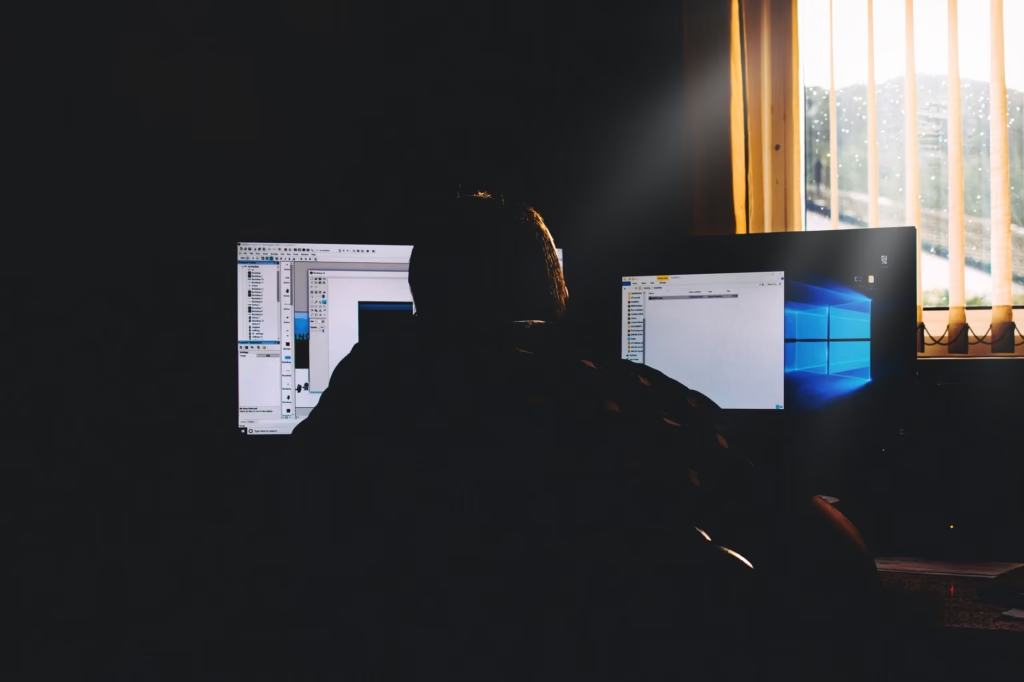
This is where many people overcomplicate the solution. Better equipment can help, but a useful study environment does not require a full makeover. A box under the laptop can improve screen height. A folded towel can support the lower back for a short session. A lamp moved six inches to the side can solve glare. Sometimes the real improvement is not a new purchase but a better angle, a better chair choice, or a shorter session with a standing break built in.
Timing matters too. In a shared home, the best study space may change by the hour. If the kitchen is quiet at 7 a.m. and chaotic at 6 p.m., that is not a motivation problem. It is an environment problem. Schedule dense work for the naturally quieter window, and save lower-focus tasks such as organizing notes or printing readings for noisier parts of the day.
Use a two-session test to tune the room
The fastest way to improve a study setup is to test it instead of assuming it works. After two study sessions, write down the first three things that pulled your attention away. Be specific. “I got distracted” is too vague to fix. “Conversation from the hallway,” “checked messages twice,” and “neck hurt after 25 minutes” give you something usable. Then change only one or two variables before the next session. That keeps the process practical instead of turning it into a constant room redesign.
- Study for one normal session without trying to optimize everything at once.
- Immediately afterward, list the top three interruptions: visual, digital, noise, or comfort.
- Choose the smallest fix that removes or reduces each one.
- Keep what works for the next session and discard the rest.
The best home study environment is not the one that looks most organized in a photo. It is the one that still protects focus when the work becomes dull, difficult, or repetitive. Pick a repeatable spot, reduce the obvious exits, make the body comfortable enough to stay there, and adjust the setup based on what actually interrupts you. That is usually what turns studying at home from a struggle into a routine.
References
- Occupational Safety and Health Administration – Computer Workstations: Positions – https://www.osha.gov/etools/computer-workstations/positions
- Occupational Safety and Health Administration – Computer Workstations: Workstation Environment – https://www.osha.gov/etools/computer-workstations/workstation-environment
- PubMed Central – Auditory Distraction During Reading: A Bayesian Meta-Analysis of a Continuing Controversy – https://pmc.ncbi.nlm.nih.gov/articles/PMC6139986/
- PubMed Central – Problematic smartphone use and academic achievement: A systematic review and meta-analysis – https://pmc.ncbi.nlm.nih.gov/articles/PMC11220804/